Is It Safe to Edit PDF Online?
Editing a PDF online can be safe, but only if you use a reputable service and follow a basic security checklist. Online editors usually upload your document to cloud servers for processing. That’s convenient, but it also means you should verify how the file is handled.
A Simple Safety Checklist
Use this before you upload any document:
- Check that the site uses HTTPS and a known, reputable provider.
- Read the vendor’s security and privacy documentation.
- Avoid uploading sensitive personal or regulated data unless the tool explicitly supports it.
- Prefer vendors that use encryption in transit and at rest.
- Delete the file from the cloud when you’re done if the vendor supports it.
Google Workspace notes that data is encrypted in transit and at rest, and Adobe documents TLS encryption for content in transit within its document services. These are good baseline signals when evaluating a provider.
Why PDFs Are Risky to Edit Online
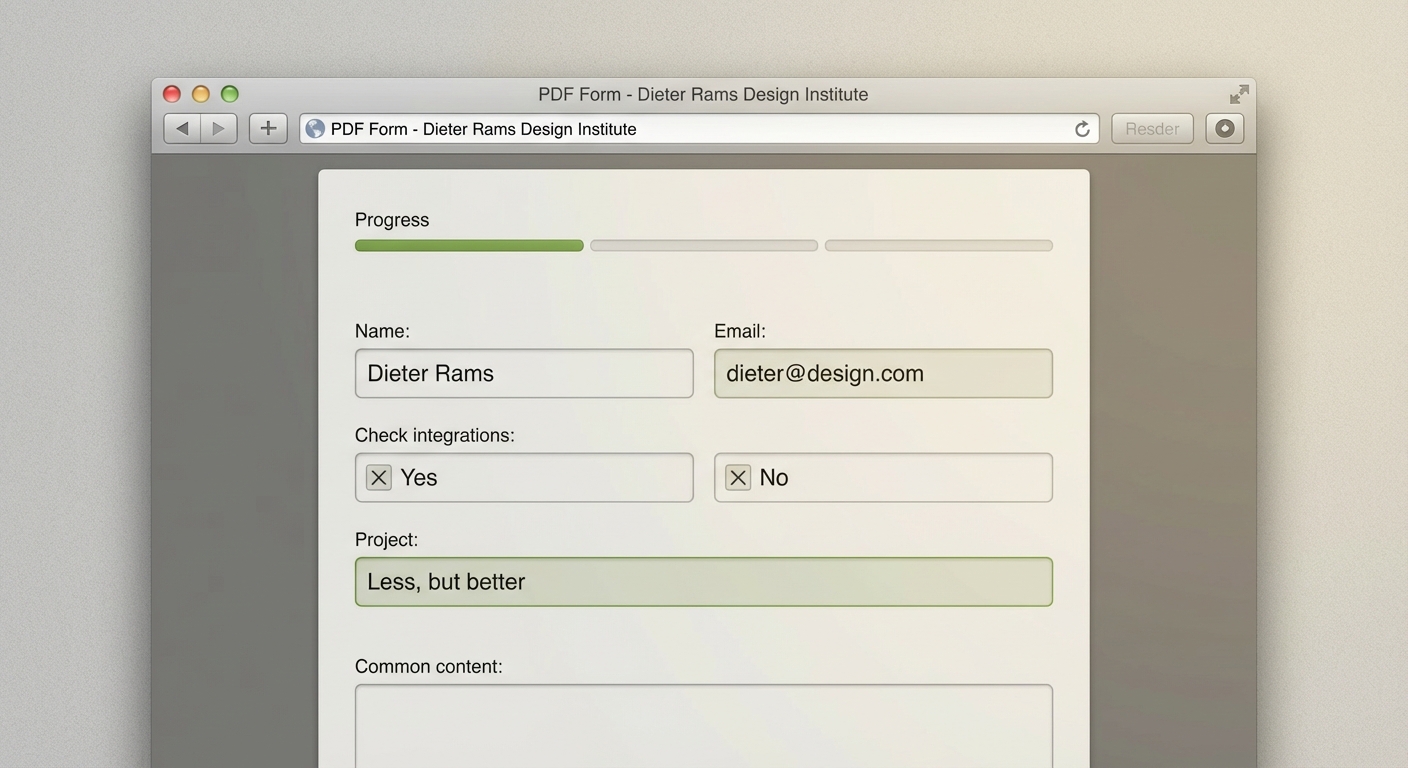
Many PDFs are not actually fillable. Some are scans or flattened exports that look like forms but don’t contain editable fields. In those cases, online tools may overlay text without embedding it correctly, which can cause data loss or formatting drift when you re-open the file.
Safer Alternatives When Data Is Sensitive
If the PDF contains highly sensitive information, consider these options:
- Use a trusted enterprise editor with documented security controls.
- Use desktop editing tools that keep files local.
- Ask the issuer for a digital web form instead of a PDF.
How AutoFillPDF Reduces Risk
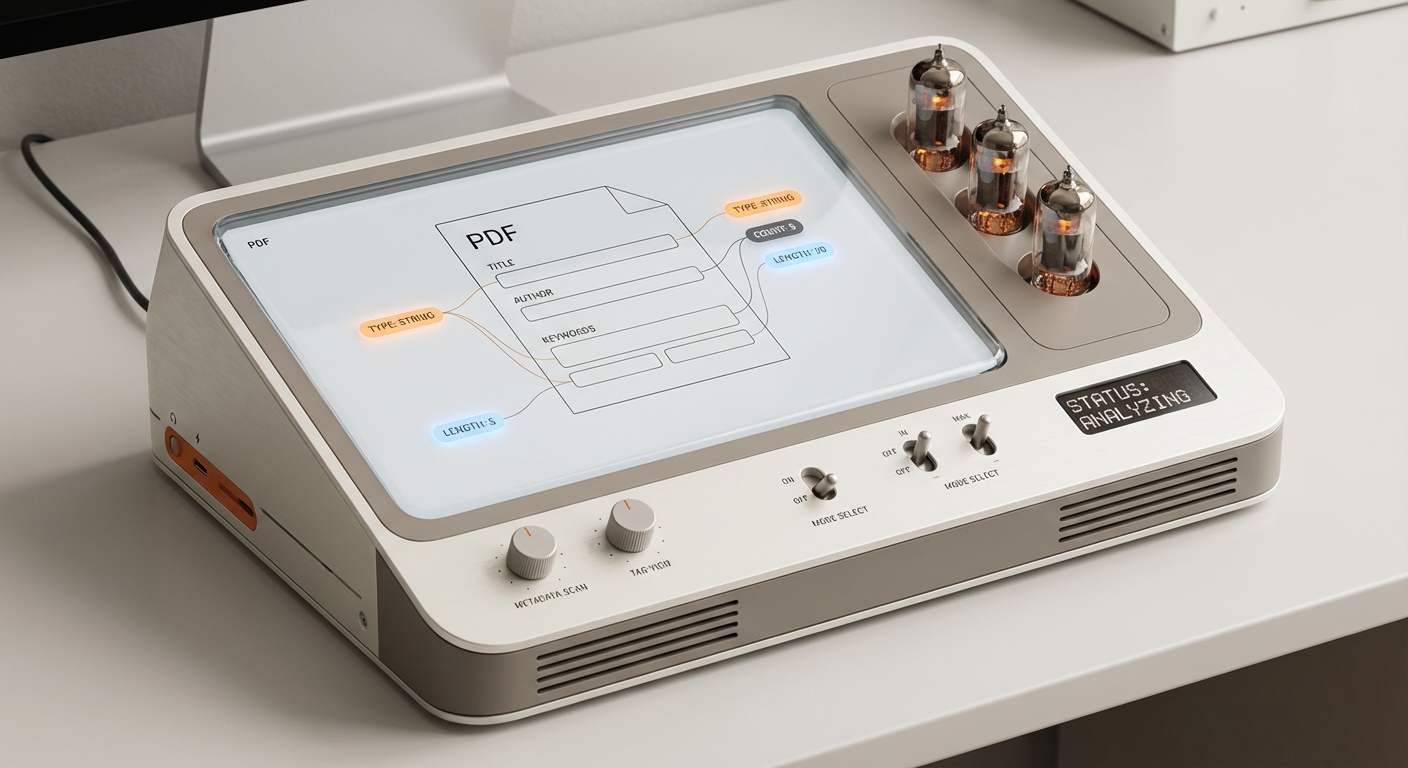
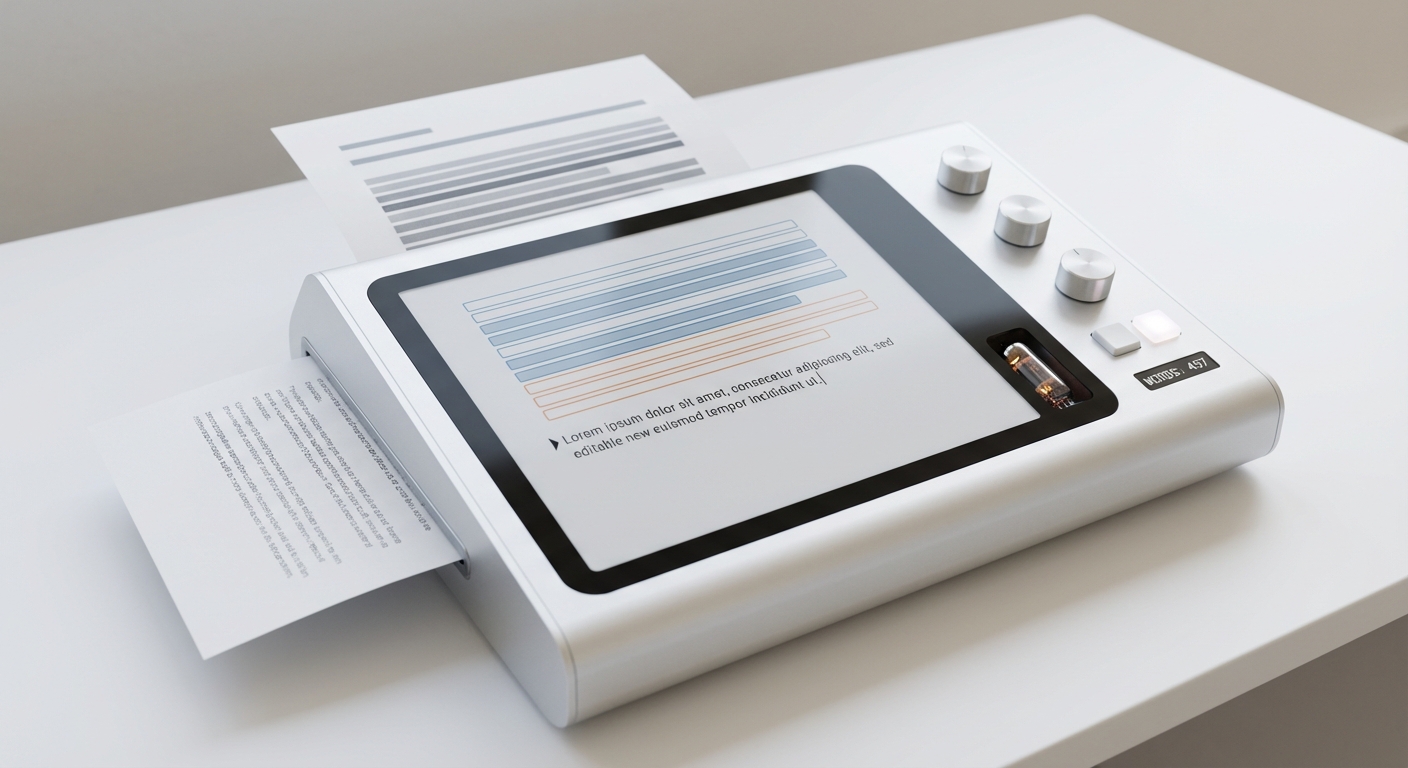
AutoFillPDF handles PDFs end-to-end, whether they contain fields or not. We detect fields in scanned or flattened PDFs and write data cleanly back into the file. Our models are trained specifically for PDF form filling, so you get predictable results without manual cleanup.
Why This Matters
- No guessing which fields are real and which are just lines on a page.
- Consistent formatting even on weird or inconsistent layouts.
- A clear, auditable output PDF you can re-open and verify.
FAQs
Is it safe to edit a PDF online for everyday documents? Usually, yes—if the provider is reputable and you review their security posture and retention policies.
Do online tools encrypt my PDF? Reputable providers generally encrypt files in transit and at rest, but you should confirm the details in their documentation.
What if the PDF isn’t fillable? Most online tools struggle with scanned or flattened PDFs. AutoFillPDF detects fields even when none exist and fills them accurately.