Edit PDF Metadata Online (Title, Author, Keywords)
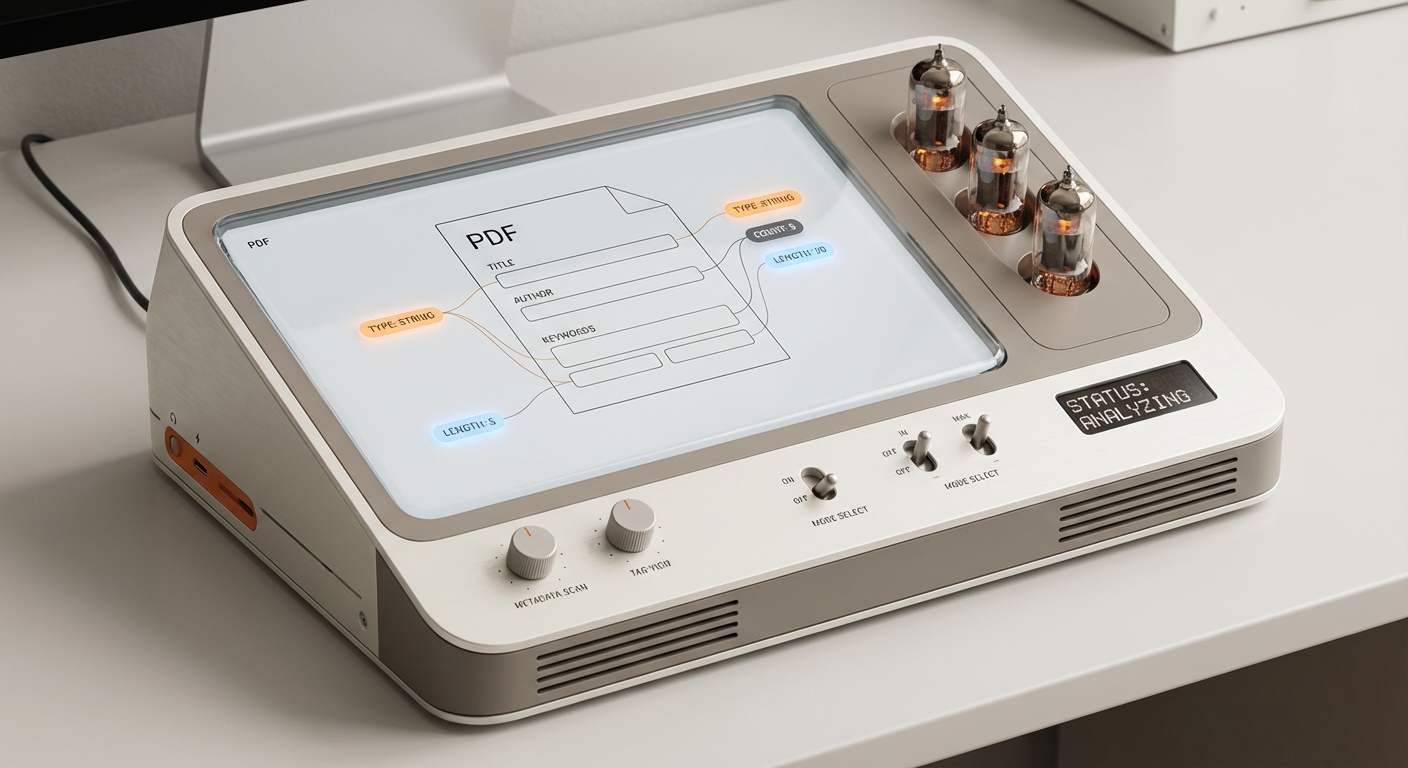
PDF metadata is the “behind‑the‑scenes” information attached to a file—things like Title, Author, Subject, and Keywords. It helps with search, organization, and document management. Sometimes it’s wrong or empty, and you’ll want to update it.
What Metadata Is (and Isn’t)
Metadata is not the visible text on the page. It’s stored in the PDF’s document properties. Editing metadata won’t change the PDF’s content, but it can improve searchability and clarity when files are shared or indexed.
When You Should Edit Metadata
- The PDF title is generic (e.g., “Document1”).
- The author is missing or incorrect.
- You want consistent keywords for internal search.
- You need the file to appear correctly in document libraries.
How to Edit PDF Metadata Online
Most online editors let you update document properties. Look for a menu item like Document Properties, File Info, or Details. Update the fields and save the file to embed the new metadata.
Common Pitfalls
- Some tools only update metadata in a preview layer.
- Some tools strip existing metadata entirely when saving.
- If the PDF is scanned or flattened, metadata edits may save correctly but content remains non‑editable.
How AutoFillPDF Helps
AutoFillPDF focuses on form filling and end‑to‑end completion. If you’re editing PDFs because the content isn’t editable, we can detect fields even when they don’t exist and fill them reliably. For metadata changes, we keep your file structure intact while producing a clean, validated output PDF.
Why This Matters
- Preserve original structure while updating fields.
- Avoid “fake edits” that disappear after download.
- Get a consistent, share‑ready file.
FAQs
Does editing metadata change the PDF content? No. It only changes the file’s properties.
Will metadata edits help with search? Yes. Title and keywords often improve search results in document libraries.
What if the PDF isn’t editable? Metadata edits can still work, but you’ll need field detection or conversion to edit the content. AutoFillPDF handles non‑fillable PDFs end‑to‑end.