Edit PDF Margins Online
Margins matter when you’re printing, scanning, or combining multiple PDFs. Too much white space makes forms look unprofessional and can shift content outside printable areas. Online margin editors let you crop or re‑center pages without re‑exporting the file.
What “Editing Margins” Really Means
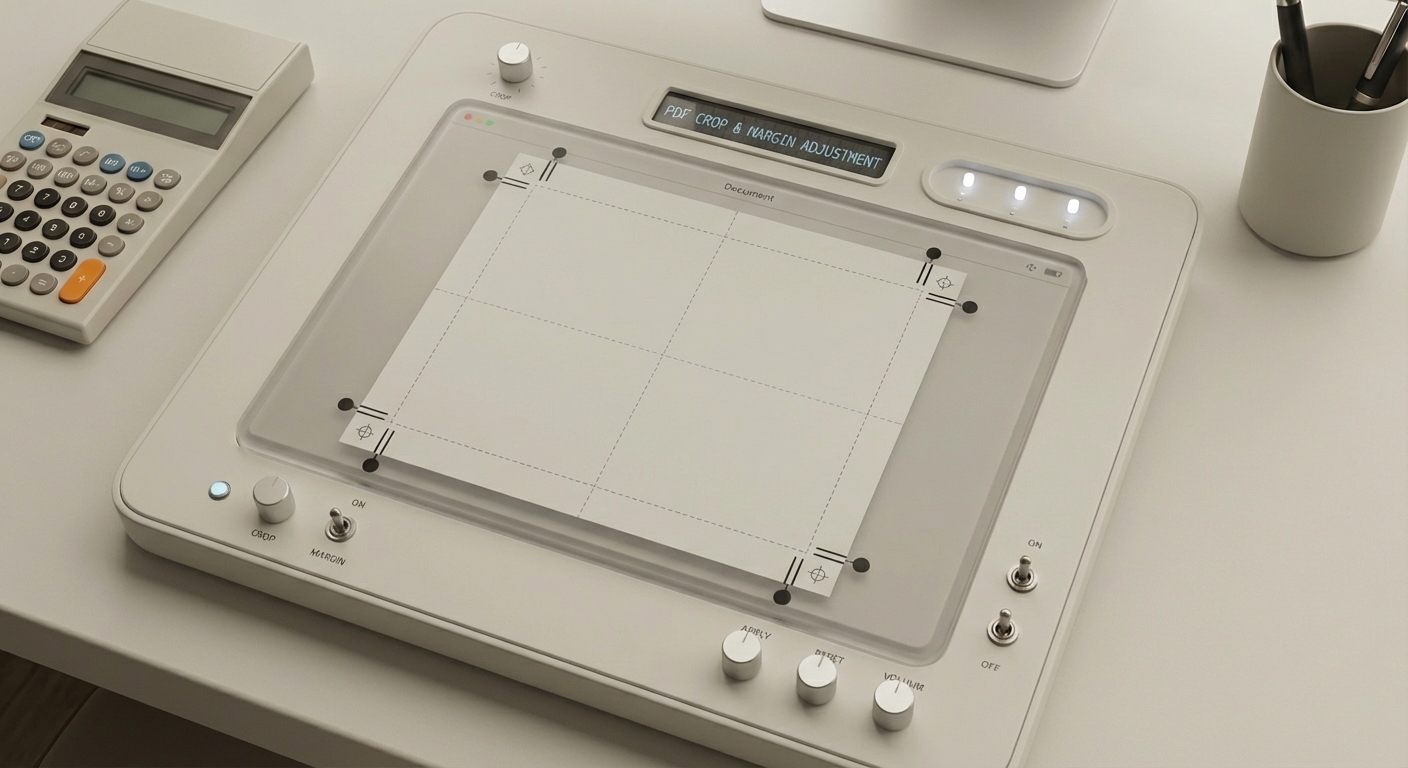
Most tools don’t change the page size. They crop the visible area or adjust the page view box. This is ideal for:
- Removing scanner borders.
- Centering content.
- Standardizing a batch of pages.
How to Adjust Margins Online
- Upload your PDF to an online editor.
- Use Crop or Page Boxes tools.
- Preview the new margins.
- Apply to all pages if needed.
- Save and re‑open to verify the output.
Common Issues
- Cropping can hide content if the page is misaligned.
- Mixed page sizes cause inconsistent margins.
- Scanned PDFs may need OCR before you can edit text.
How AutoFillPDF Helps
AutoFillPDF is built for form completion, including PDFs with scans, odd layouts, or no fields. If you’re adjusting margins to make a document easier to fill, we can detect fields and complete the form automatically—no manual re‑layout required.
Why This Matters
- Works even when margins are irregular.
- Handles mixed page sizes and weird layouts.
- Produces a clean, validated output PDF.
FAQs
Does cropping remove content? It can. Always preview to ensure important fields remain visible.
Can I fix margins on a scanned PDF? Yes. Crop first, then use OCR or a form‑filling tool for content edits.
Can AutoFillPDF handle PDFs with bad margins? Yes. We detect and fill fields even on irregular layouts and scanned forms.