The Short Answer
Mac Preview is excellent for annotations, signing, and filling forms, but it is not a full text editor. Most PDFs cannot be edited directly in Preview.
What Preview Can Do
- Highlight or underline text
- Add notes and shapes
- Fill form fields
- Sign a PDF
What Preview Usually Cannot Do
- Edit existing text blocks
- Change fonts or layout
- Remove text cleanly
Quick Workarounds
If you only need a minor change:
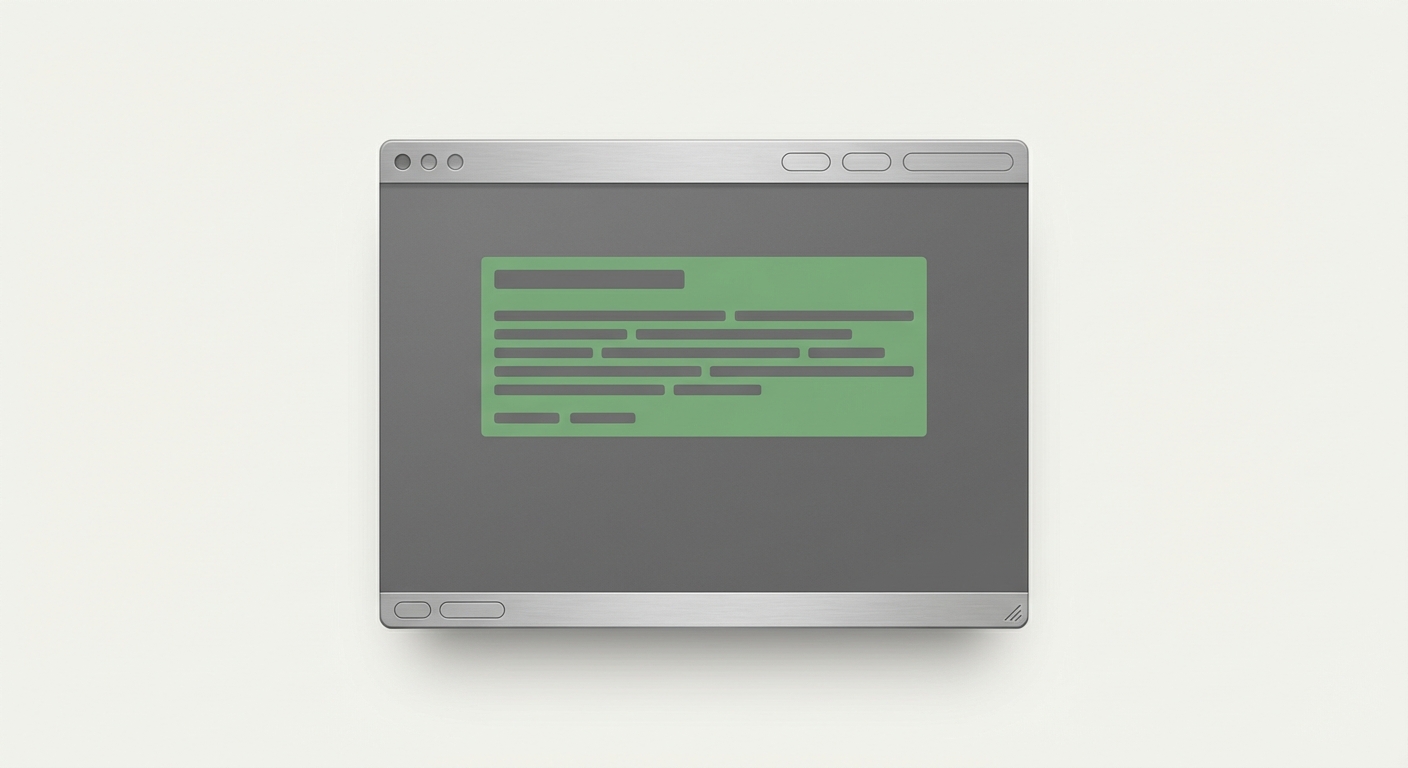
- Add a white rectangle to hide text (not ideal)
- Add new text on top (can look misaligned)
For anything professional, use a real editor.
When to Switch Tools
Use a PDF editor when:
- You need to delete or replace text
- You need consistent fonts and spacing
- You want a clean, professional output
Summary
Preview is fast for markup and signatures, but not for real text edits. If text changes matter, use a dedicated PDF editor.