Why Scanned PDFs Are Different
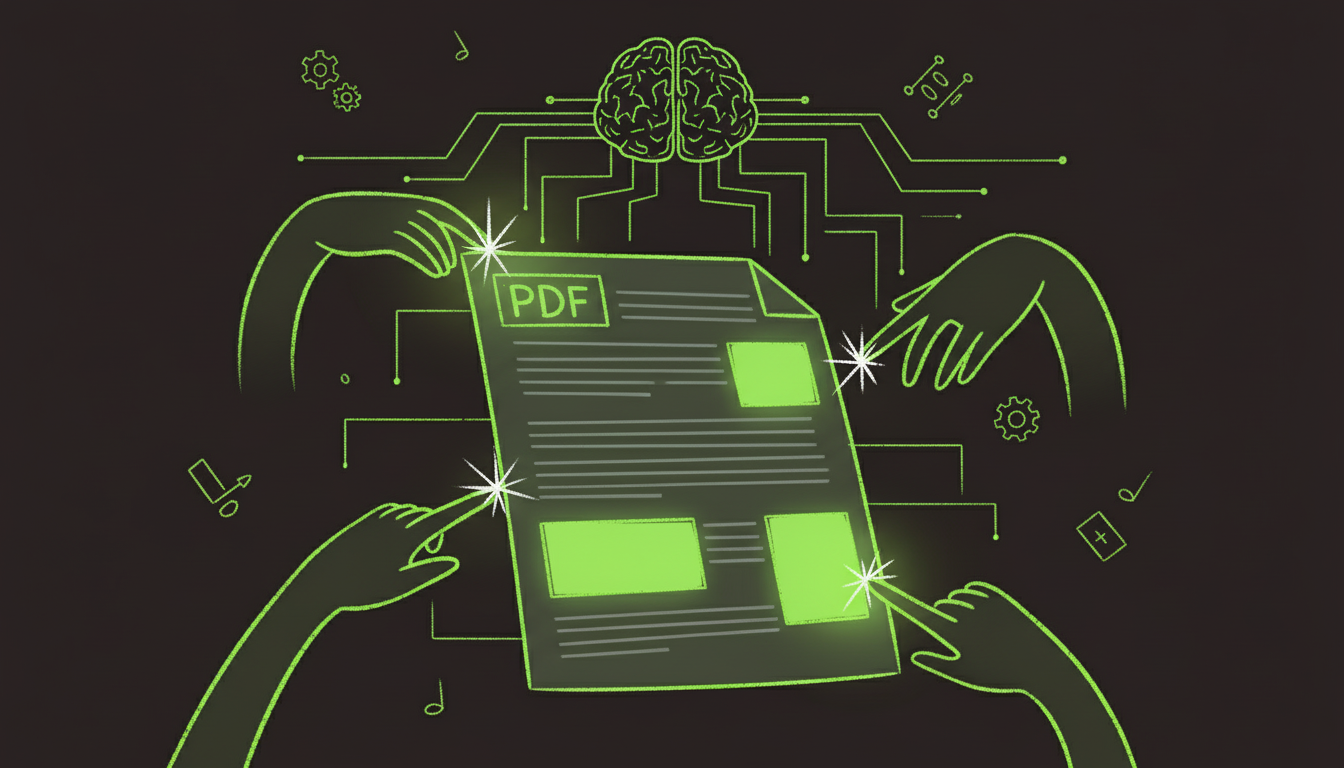
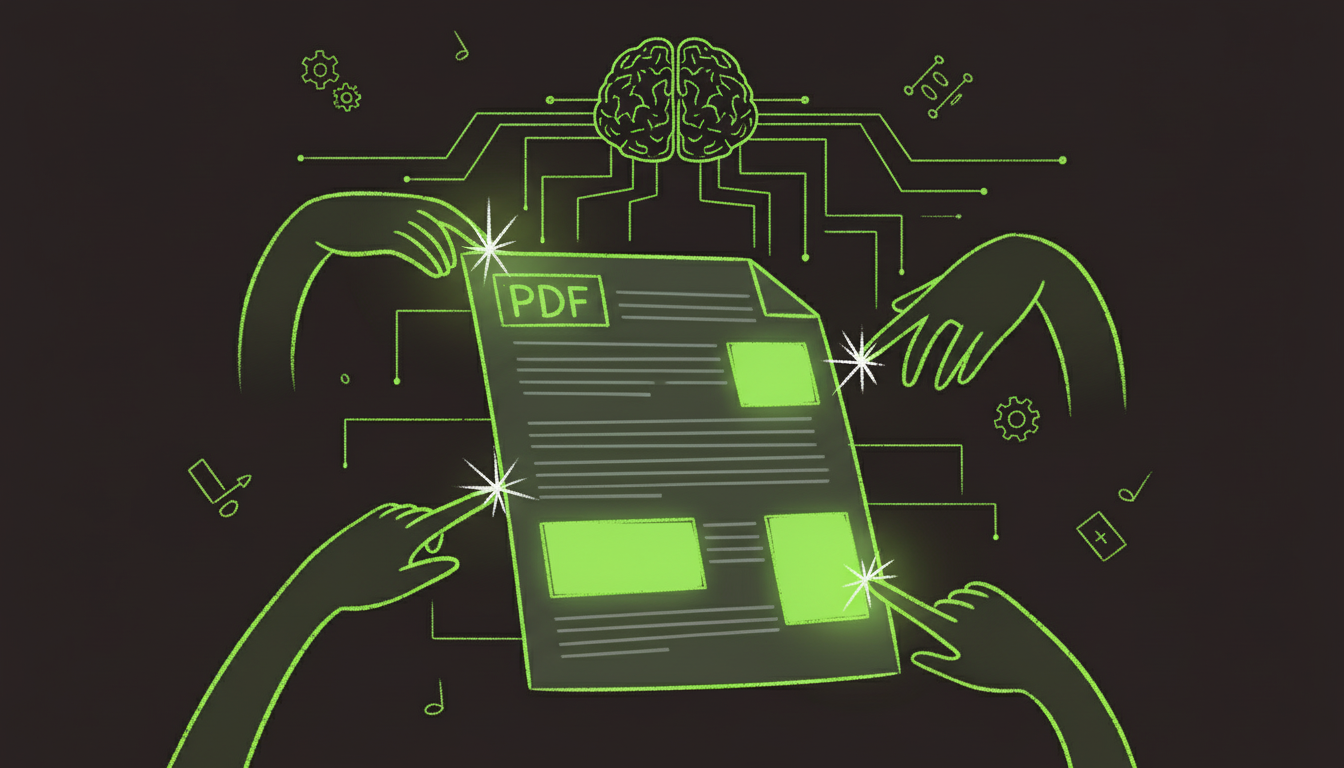
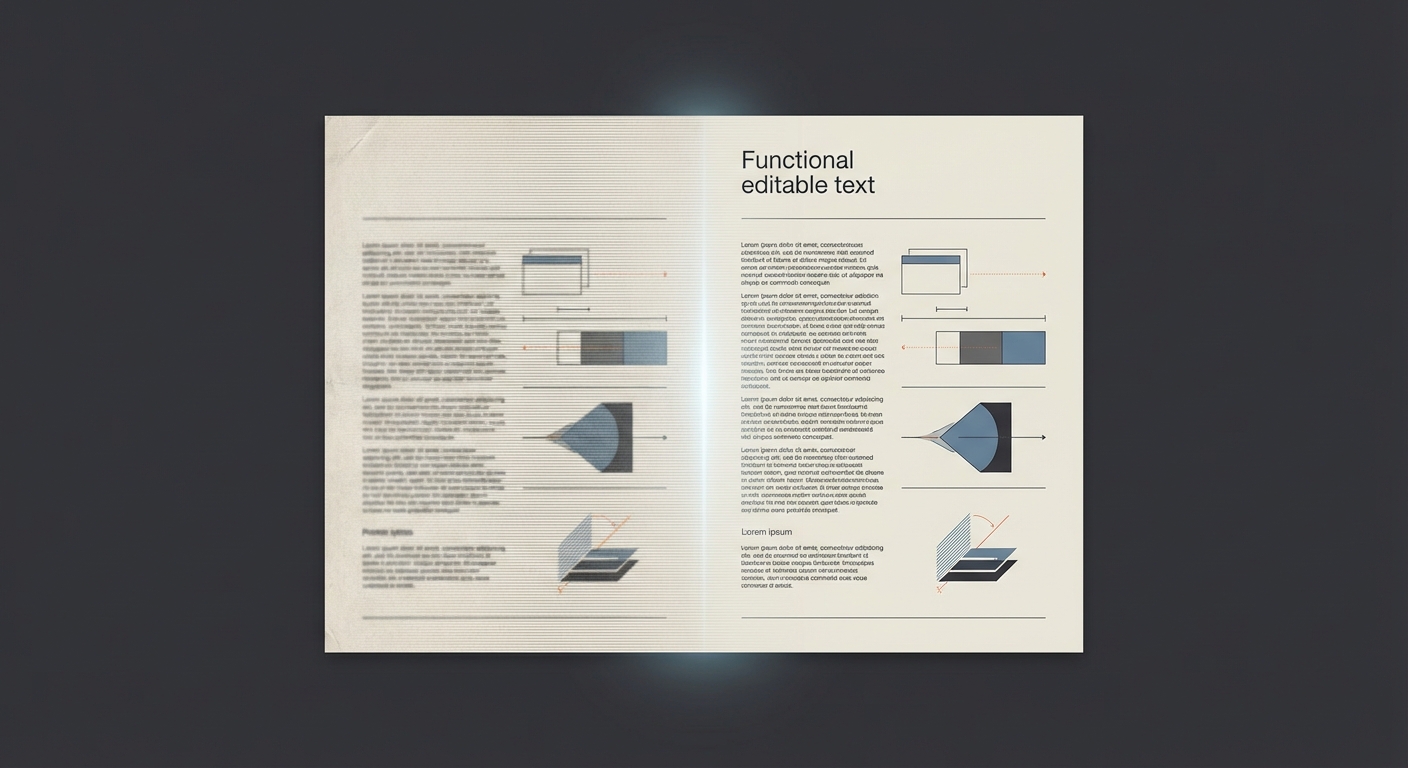
A scanned PDF is essentially an image. There is no real text to edit until you run OCR (Optical Character Recognition).
Step 1: Run OCR
Use a tool that supports OCR and convert the scan into editable text. The result is a text layer on top of the image.
Step 2: Edit the Text Layer
Once OCR is complete:
- Open the PDF in your editor.
- Select the text.
- Edit and correct OCR errors.
Step 3: Fix Layout Issues
OCR often introduces:
- Slight text shifts
- Font mismatches
- Spacing errors
Review the final output and adjust as needed.
Tips for Better OCR
- Use 300 DPI scans or higher
- Scan in grayscale or black-and-white
- Keep the page flat and aligned
Summary
You can edit scanned PDFs, but OCR is mandatory. With a clean scan and a reliable editor, you can produce a professional result.