Signed PDFs and Editing: The Truth
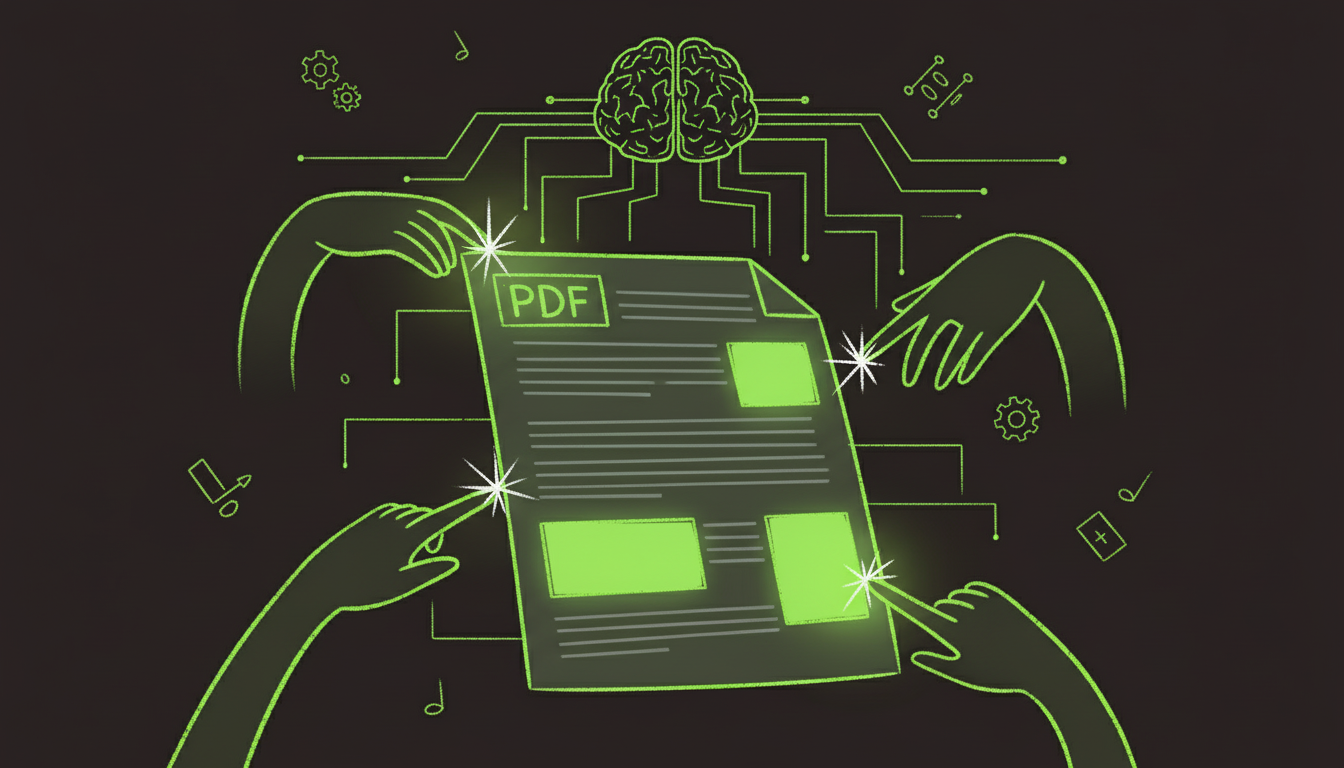
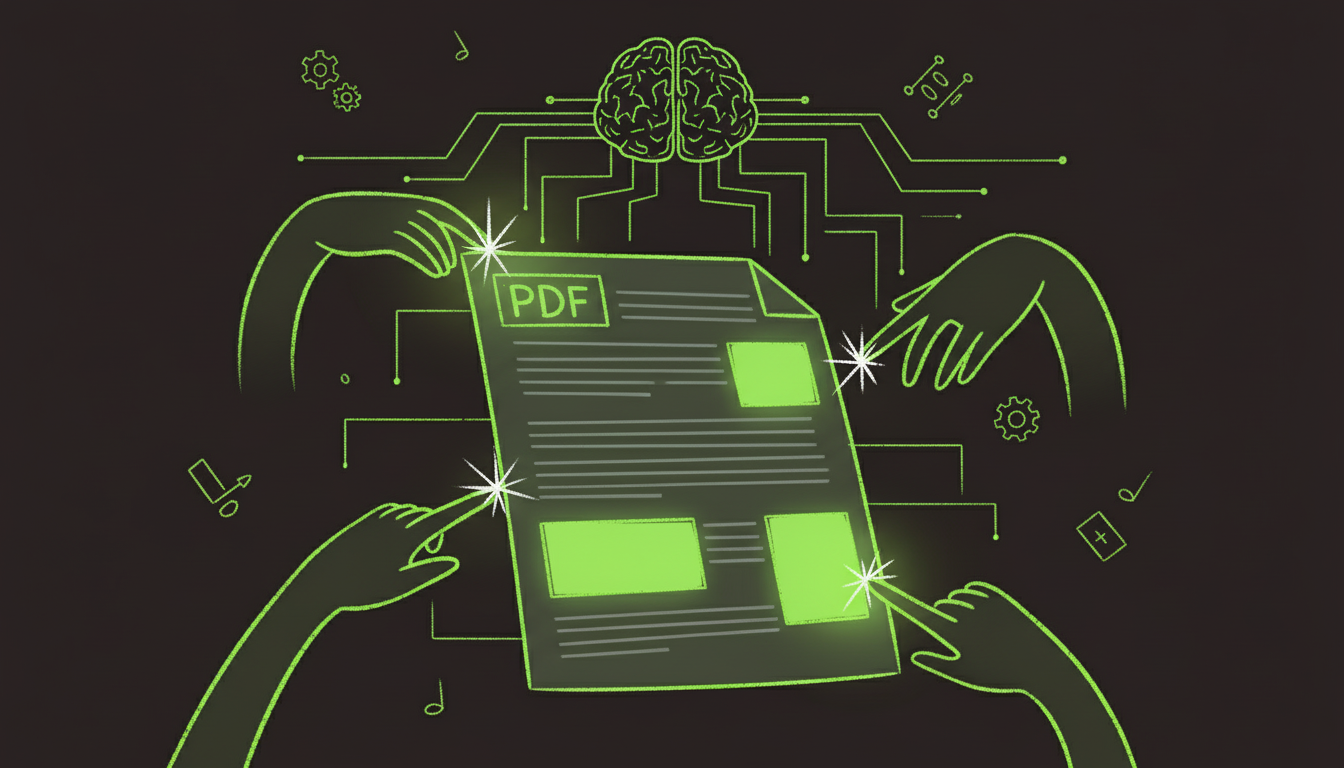
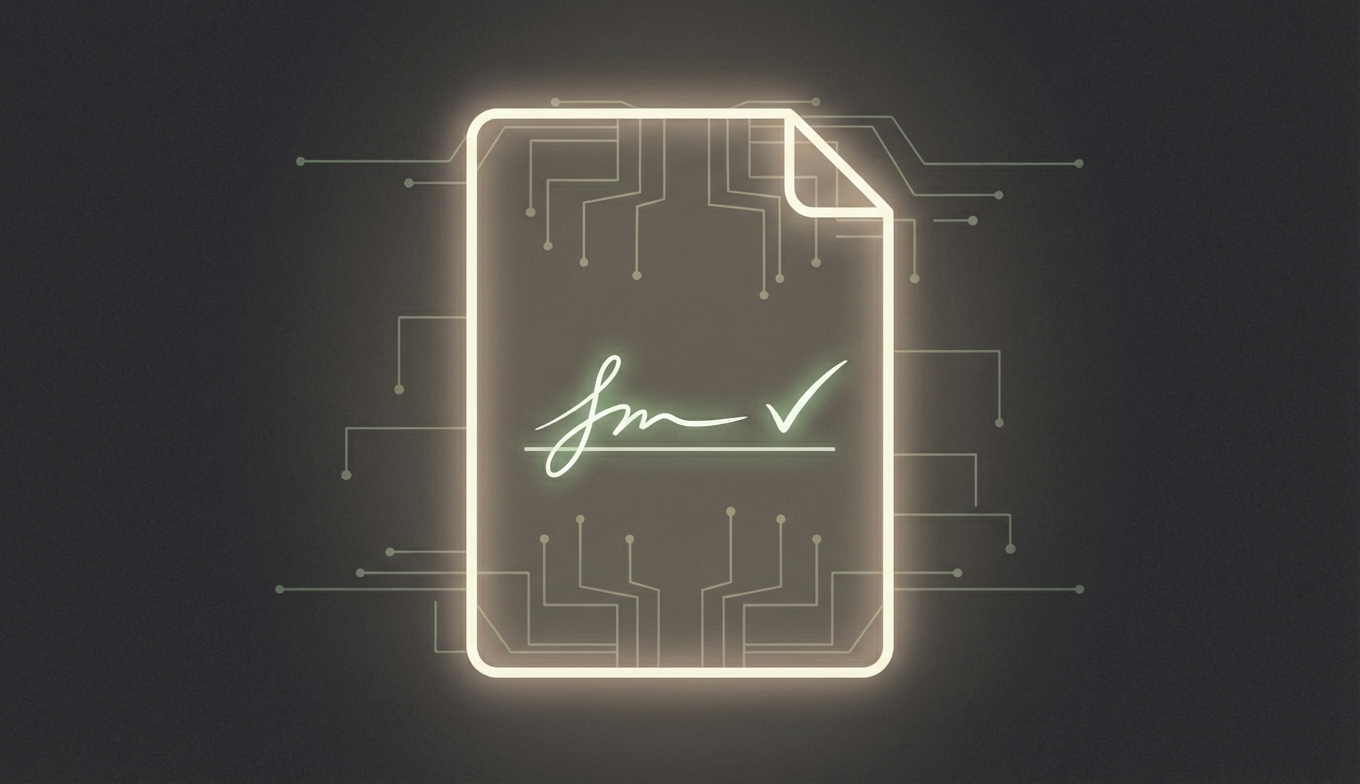
Digital signatures protect integrity. Any change to the content usually invalidates the signature, which is the point of signing in the first place.
What You Can Do Safely
- Add comments or annotations (non-destructive)
- Attach supporting files (in some viewers)
- Create a new version from the original source
Recommended Workflow for Corrections
- Locate the original unsigned document.
- Make the necessary edits.
- Export to PDF.
- Send for signature again.
This preserves legal clarity and avoids disputes.
DocuSign-Specific Notes
For DocuSign:
- Use the original source or the DocuSign document before completion.
- Make edits.
- Send a new envelope for signing.
Summary
If a PDF is signed, treat the content as locked. For real edits, go back to the source, update it, and re-sign. This is the cleanest, most defensible process.