What "Locked" Means in PDFs
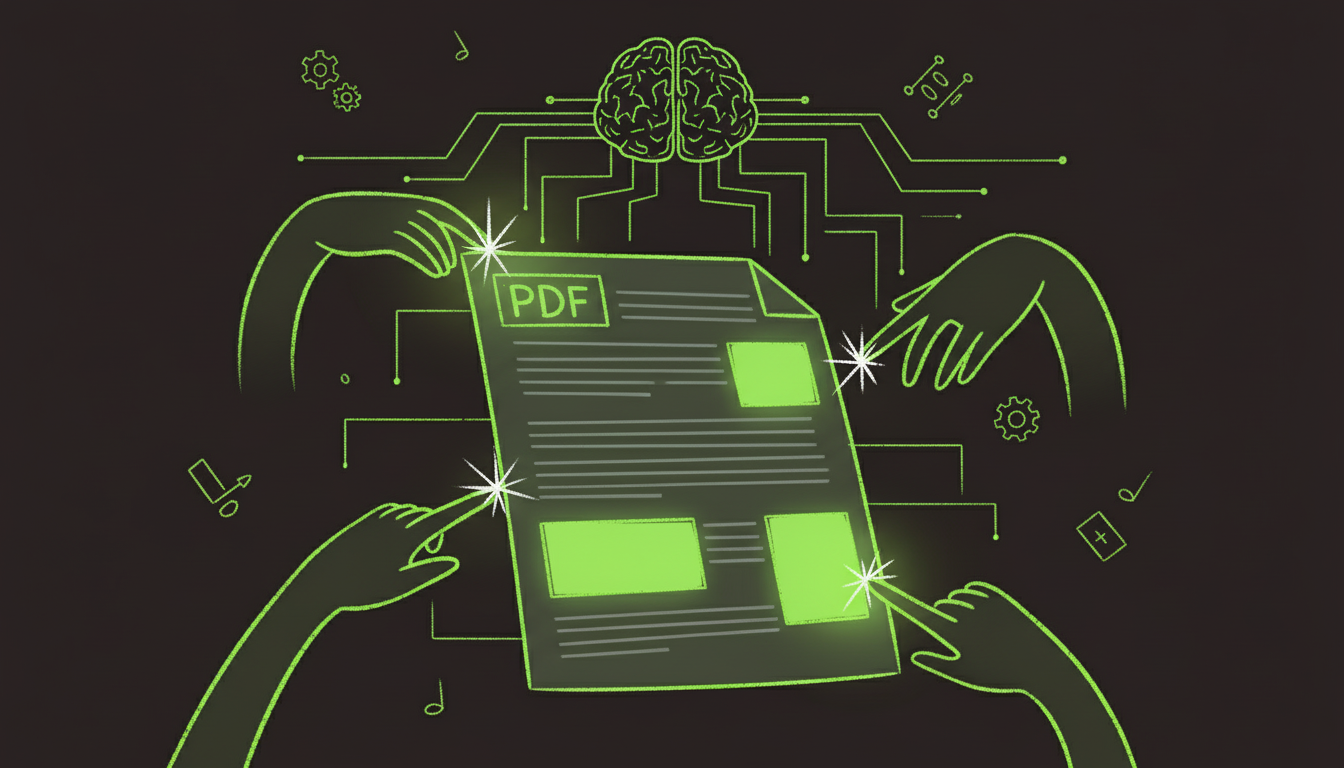
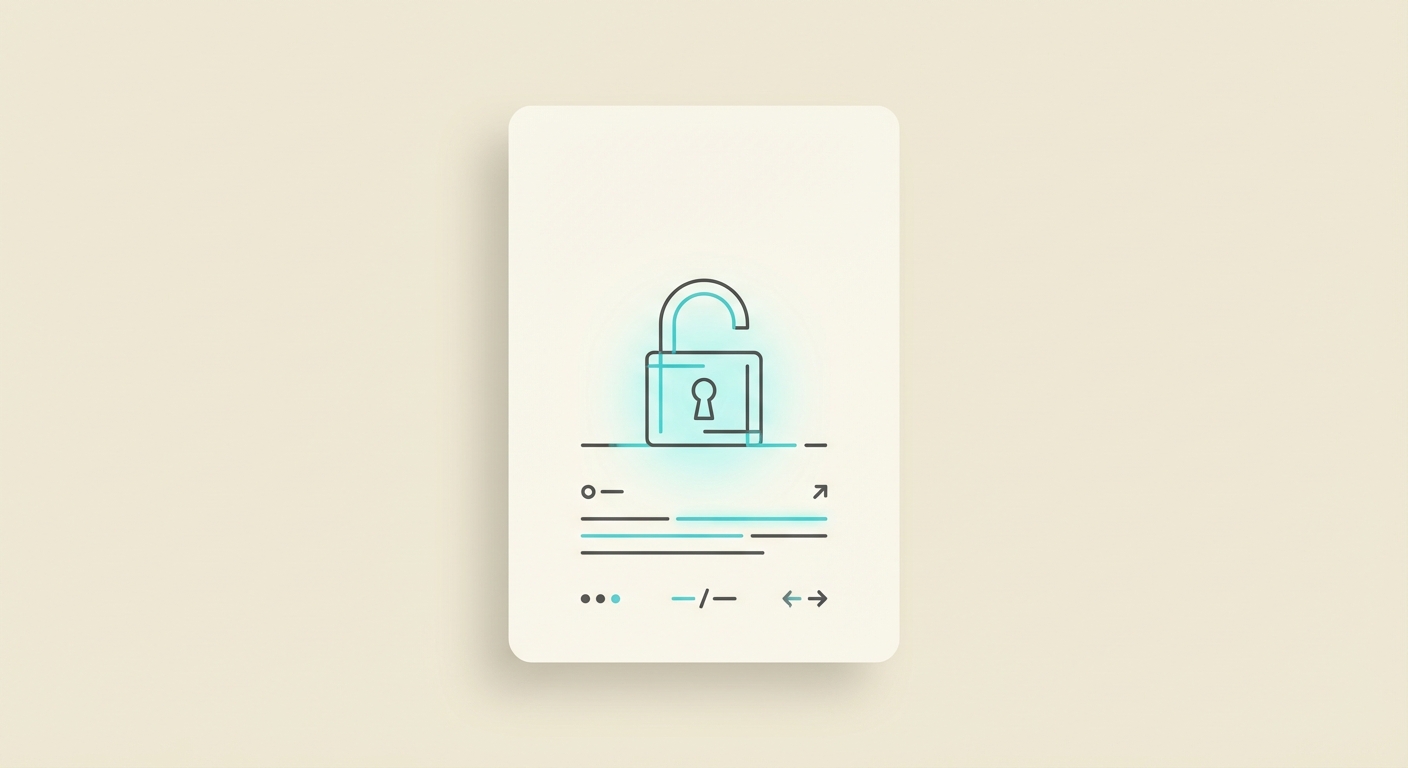
A locked PDF typically opens without a password but blocks editing. These restrictions are set by the document owner to protect content.
Common restrictions include:
- Editing disabled
- Copying blocked
- Printing limited
Step 1: Check Permissions
In most PDF editors, open File > Properties > Security to see allowed actions. This tells you whether the document is restricted.
Step 2: Get Authorization (Best Path)
If you need to edit the PDF, the cleanest approach is to request the owner password from the document creator. With authorization, you can remove editing restrictions and proceed.
Step 3: Edit With Approved Tools
Once authorized:
- Open the PDF in your editor.
- Remove restrictions if allowed.
- Edit text or form fields.
- Save a new version.
Step 4: If You Cannot Unlock It
If you do not have permission:
- Request a new editable file.
- Use a conversion workflow for personal use.
- Avoid bypassing restrictions without authorization.
Summary
Locked PDFs are about permissions, not file corruption. If you have authorization, editing is simple. If you do not, request access or an editable version to stay compliant.