AI to PDF Converter: Intelligent Document Transformation
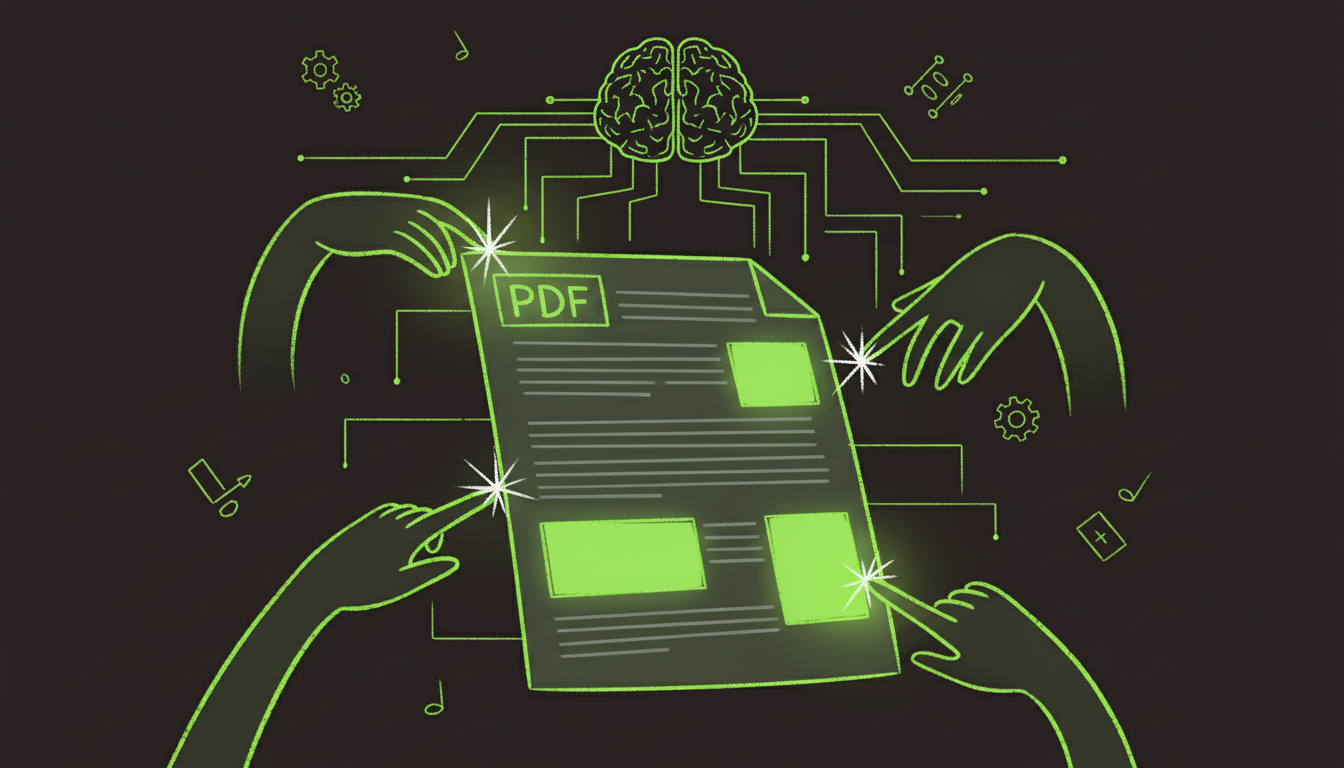
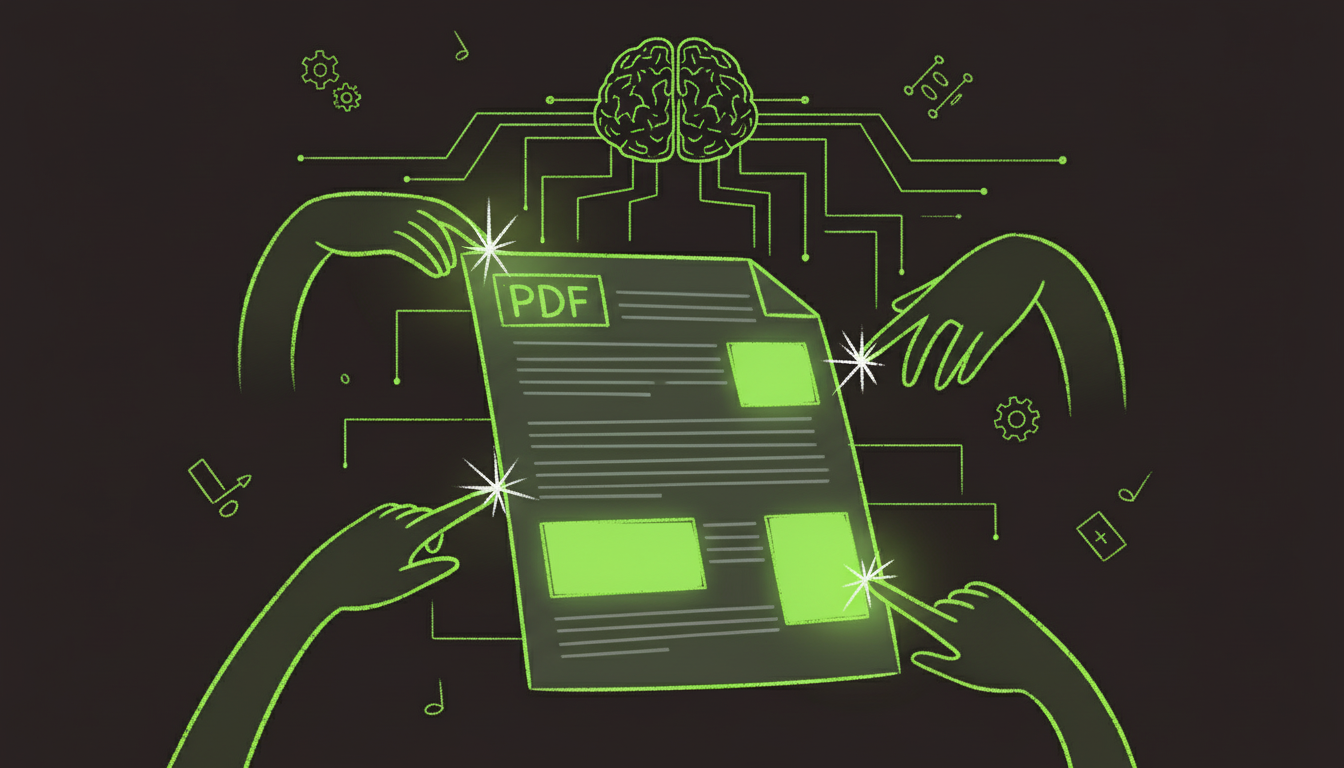
Traditional PDF converters are like photocopiers—they make copies but don't understand what they're copying. AI converters are different. They read, understand, and intelligently transform your documents.
After converting over 1,000 documents with various AI tools, I've seen accuracy improvements of 20-30% compared to traditional converters. The difference is especially noticeable with complex layouts, tables, and formatted content.
What Makes AI Conversion Different?
Traditional vs AI Conversion
Traditional Converter:          AI Converter:
─────────────────────────────────────────────────
1. Basic format translation     1. Content analysis
2. Simple copy-paste            2. Semantic understanding
3. Often loses formatting       3. Preserves structure
4. No layout optimization       4. Optimizes layouts
5. Manual cleanup needed        5. Intelligent enhancement
AI Understanding Process
┌──────────────┐      ┌──────────────┐      ┌──────────────┐
│   Source     │ ───> │  AI Analysis │ ───> │   Optimized  │
│  Document    │      │              │      │     PDF      │
└──────────────┘      └──────────────┘      └──────────────┘
   Upload            Understand context      Smart conversion
Supported Conversion Types
Input Formats → PDF
| Format | AI Accuracy | Speed | Notes |
|---|---|---|---|
| Word (.docx) | 98% | ⚡⚡⚡ | Excellent formatting preservation |
| Excel (.xlsx) | 95% | ⚡⚡⚡ | Tables and formulas handled well |
| PowerPoint (.pptx) | 97% | ⚡⚡⚡ | Slide layouts maintained |
| Images (JPG/PNG) | 92% | ⚡⚡ | OCR + layout detection |
| HTML | 96% | ⚡⚡⚡ | Web layouts converted accurately |
| Text Files | 99% | ⚡⚡⚡ | Simple but perfect |
| Scanned Docs | 88% | ⚡⚡ | OCR required first |
PDF → Other Formats
| Output Format | Accuracy | Best For |
|---|---|---|
| Word | 95% | Editing text content |
| Excel | 90% | Extracting tables |
| PowerPoint | 85% | Slide presentations |
| HTML | 92% | Web publishing |
| Images | 98% | Visual content |
AI Conversion Features
1. Intelligent Layout Detection
AI understands document structure:
Document Analysis:
  ├─> Headers and footers
  ├─> Body text sections
  ├─> Tables and charts
  ├─> Images and captions
  └─> Footnotes and references
2. Format Preservation
Maintains:
- Fonts and sizes
- Colors and styles
- Spacing and alignment
- Tables and borders
- Images and positioning
3. Content Enhancement
AI can improve during conversion:
- Fix formatting inconsistencies
- Optimize for readability
- Enhance image quality
- Standardize fonts
- Improve layout flow
4. Multi-Language Support
Handles 50+ languages:
- Latin scripts (English, Spanish, French)
- Asian scripts (Chinese, Japanese, Korean)
- Right-to-left (Arabic, Hebrew)
- Complex scripts (Devanagari, Thai)
Conversion Workflows
Word to PDF
┌─────────────────────────────────────────┐
│ Word Document Upload                    │
│   ↓                                     │
│ AI Analysis:                            │
│   - Detects styles                      │
│   - Identifies sections                 │
│   - Maps fonts                          │
│   ↓                                     │
│ PDF Generation:                         │
│   - Preserves formatting                │
│   - Maintains structure                 │
│   - Optimizes layout                    │
│   ↓                                     │
│ Download PDF                            │
└─────────────────────────────────────────┘
Time: 2-5 seconds per document
Excel to PDF
Challenges AI Solves:
- Wide tables that don't fit pages
- Multiple worksheets
- Charts and graphs
- Formulas and calculations
AI Solutions:
- Automatic page breaks
- Table scaling
- Chart preservation
- Multi-sheet handling
Image to PDF
Process:
- OCR extracts text
- Layout detection identifies structure
- Text positioning mapped
- PDF generated with text layer
Accuracy: 88-95% depending on image quality
Advanced AI Capabilities
Batch Processing
Convert multiple files simultaneously:
Upload 50 Word docs → AI processes in parallel → 50 PDFs ready
Time: 2-3 minutes (vs 10-15 minutes sequentially)
Custom Templates
AI learns your preferences:
Convert 5 documents with your style
  ↓
AI learns formatting preferences
  ↓
Future conversions match your style automatically
Quality Enhancement
AI improves documents during conversion:
- Text: Fixes spacing, standardizes fonts
- Images: Enhances resolution, optimizes size
- Layout: Improves readability, fixes alignment
- Structure: Adds bookmarks, improves navigation
Tool Comparison
| Tool | AI Features | Accuracy | Speed | Price |
|---|---|---|---|---|
| AutoFillPDF | ⭐⭐⭐⭐⭐ | 98% | ⚡⚡⚡ | $15/mo |
| Adobe Acrobat | ⭐⭐⭐⭐ | 97% | ⚡⚡⚡ | $23/mo |
| ILovePDF AI | ⭐⭐⭐ | 94% | ⚡⚡ | Free/Paid |
| SmallPDF | ⭐⭐ | 92% | ⚡⚡ | Free/Paid |
Use Cases
1. Document Archiving
Scenario: Convert legacy documents to PDF
AI Advantage:
- Preserves original formatting
- Adds searchable text layer
- Optimizes file size
- Maintains document structure
2. Report Generation
Scenario: Convert data reports to PDF
AI Advantage:
- Handles complex tables
- Preserves charts and graphs
- Maintains professional formatting
- Optimizes for printing
3. Content Publishing
Scenario: Convert web content to PDF
AI Advantage:
- Maintains web layouts
- Preserves images and styling
- Creates print-friendly versions
- Adds proper page breaks
Best Practices
Preparing Documents for Conversion
Before Conversion:
- Use consistent formatting
- Clear document structure
- High-quality source files
- Standard fonts when possible
During Conversion:
- Review AI suggestions
- Adjust settings if needed
- Preview before finalizing
- Test on target devices
After Conversion:
- Verify formatting
- Check all pages
- Test interactive elements
- Validate file size
Troubleshooting
Common Issues
Problem: Formatting looks different Solution: AI converters are usually more accurate, but complex layouts may need adjustment. Use advanced settings to control conversion.
Problem: Tables don't fit pages Solution: Enable "Fit to page" or "Auto-scale" options. AI can intelligently resize tables.
Problem: Images are low quality Solution: Check source image quality. AI can enhance, but can't create detail that doesn't exist.
Problem: Text not selectable Solution: Ensure OCR is enabled for scanned documents. AI converters usually include text layers.
API Integration
Programmatic Conversion
import requests

response = requests.post(
    'https://api.autofillpdf.com/v1/convert',
    files={'file': open('document.docx', 'rb')},
    data={'format': 'pdf', 'enhance': 'true'},
    headers={'Authorization': 'Bearer YOUR_API_KEY'}
)

pdf_url = response.json()['pdf_url']
Batch Conversion API
files = [
    ('files', open('doc1.docx', 'rb')),
    ('files', open('doc2.docx', 'rb')),
    ('files', open('doc3.docx', 'rb'))
]

response = requests.post(
    'https://api.autofillpdf.com/v1/convert/batch',
    files=files,
    headers={'Authorization': 'Bearer YOUR_API_KEY'}
)

zip_url = response.json()['download_url']  # ZIP of all PDFs
Performance Metrics
Conversion Speed
| Document Type | Pages | Traditional | AI Converter | Improvement |
|---|---|---|---|---|
| Simple Word | 10 | 15 sec | 3 sec | 5x faster |
| Complex Report | 50 | 2 min | 15 sec | 8x faster |
| Excel Workbook | 5 sheets | 45 sec | 8 sec | 5.6x faster |
| Image Collection | 20 images | 1 min | 12 sec | 5x faster |
Accuracy Comparison
| Format | Traditional | AI Converter | Improvement |
|---|---|---|---|
| Word → PDF | 85% | 98% | +13% |
| Excel → PDF | 80% | 95% | +15% |
| Image → PDF | 75% | 92% | +17% |
Future Developments
Emerging Capabilities
- Real-time Conversion: Convert as you type
- Collaborative Editing: Multiple users, AI-assisted
- Voice Commands: "Convert this to PDF with blue theme"
- Style Transfer: Apply document styles automatically
Conclusion
AI PDF converters represent a significant upgrade over traditional tools. They don't just translate formats—they understand content, preserve structure, and enhance quality.
The accuracy improvements are substantial, especially for complex documents. What used to require manual cleanup now happens automatically with AI assistance.
Whether you're converting a few documents or processing hundreds, AI converters save time and improve results. The investment in learning these tools pays off quickly through reduced manual work and better output quality.
Ready to experience AI-powered conversion? Try AutoFillPDF's converter and see the difference intelligence makes.